
LOOM
Disaster messages that can move before the internet returns.
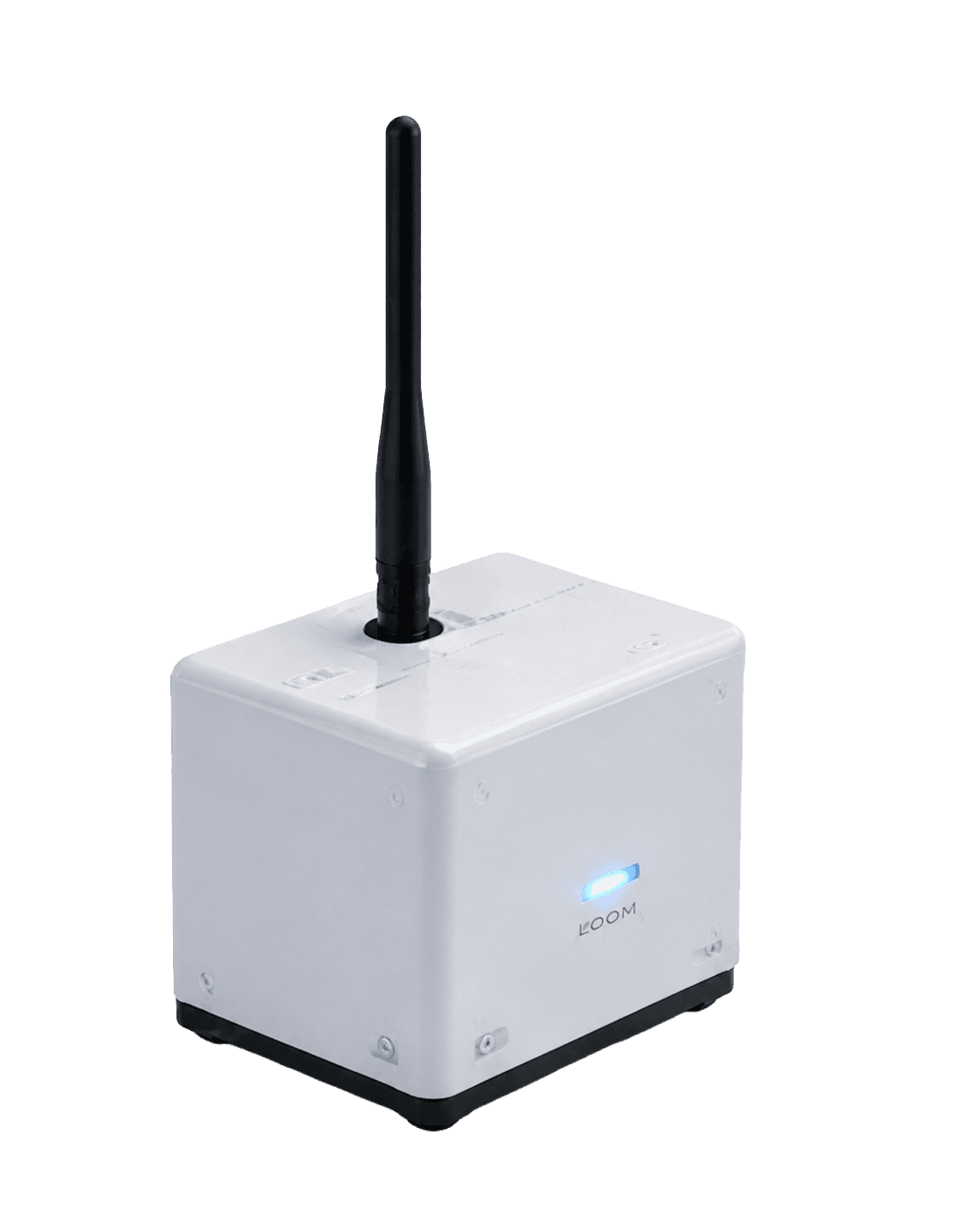
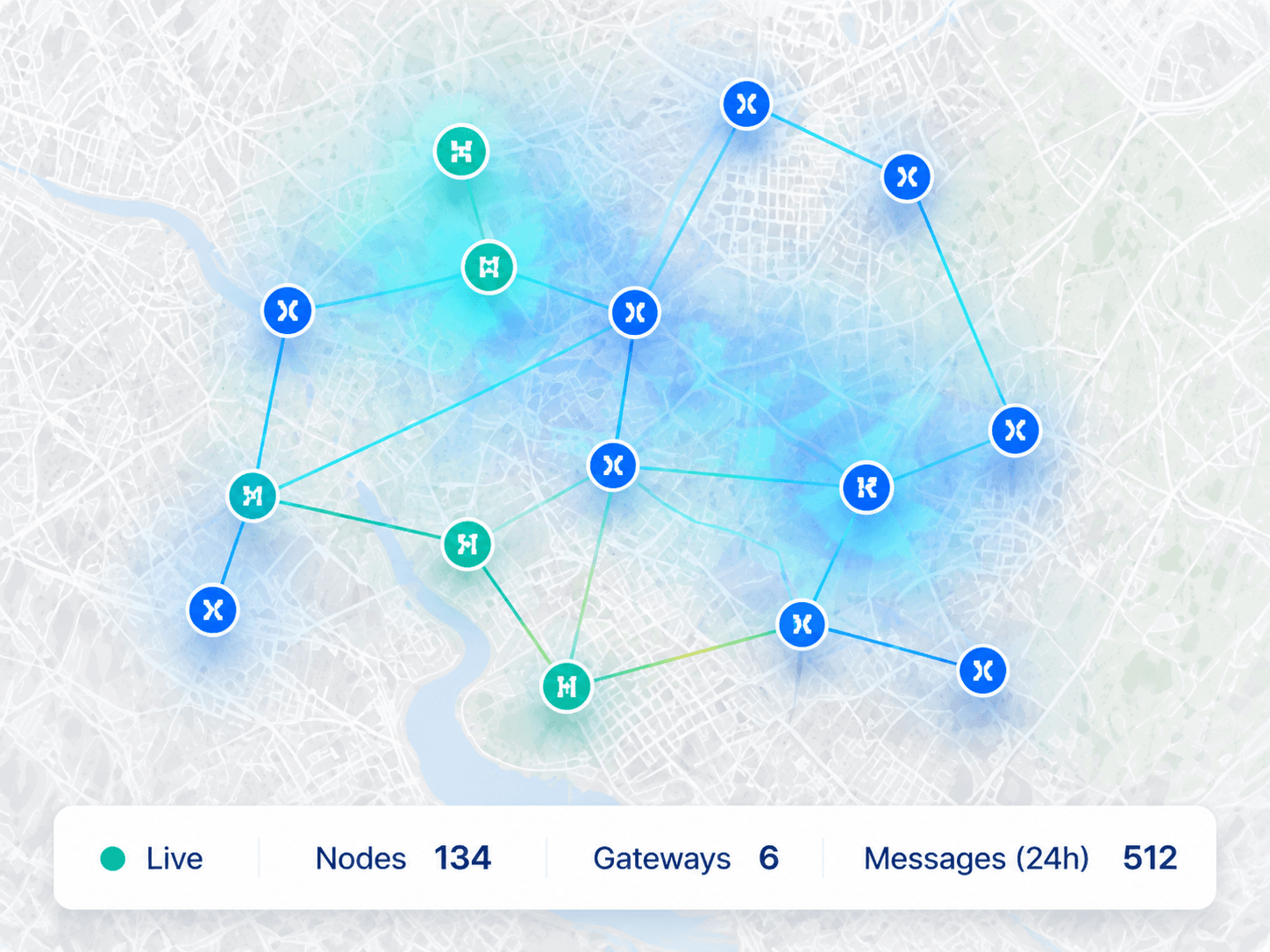
Offline field nodes connect via LoRa mesh and relay messages from device to device. When a gateway reconnects, data is synced to the backend and becomes visible on the public map and admin dashboard.
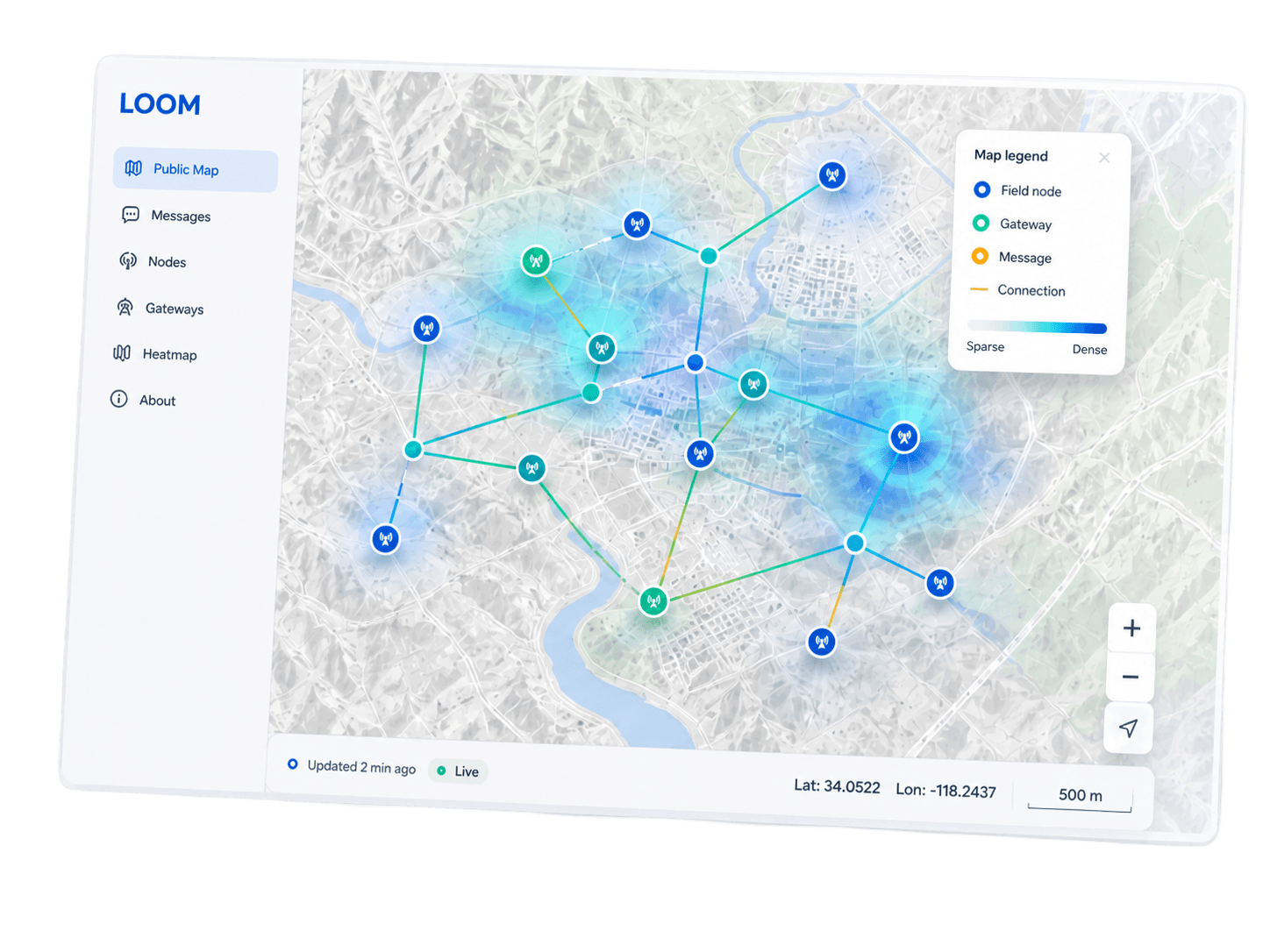
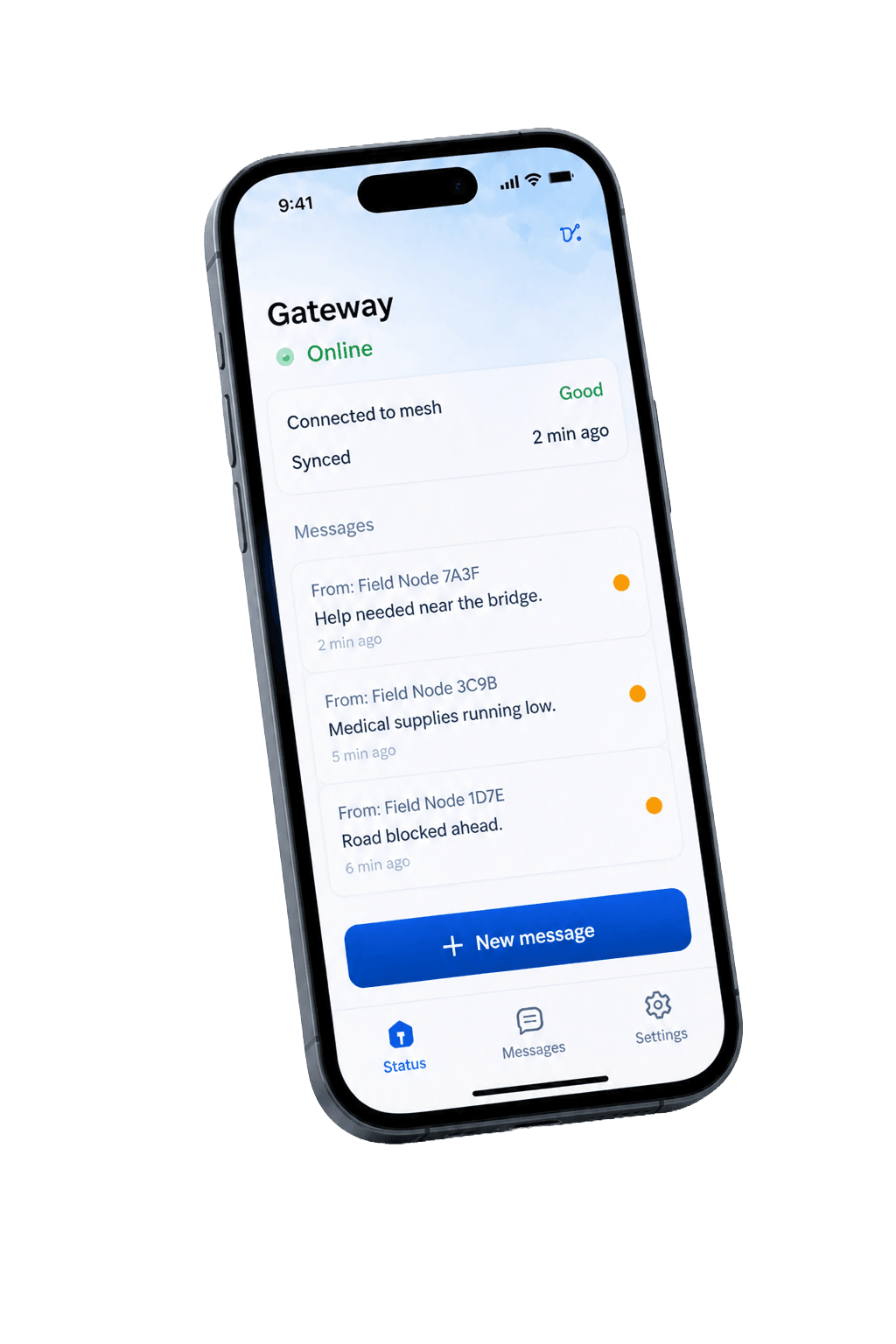
Live product preview
LOOM connects devices, gateways, and people when the internet is down. Explore the core experiences for public users and admins.
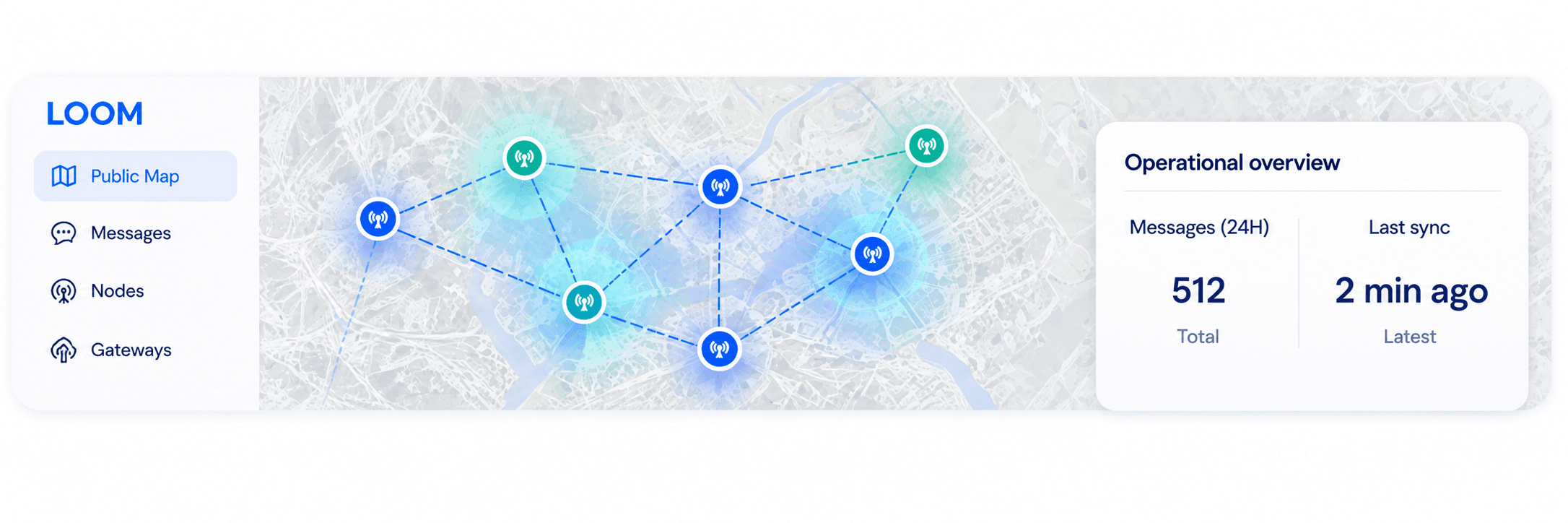
Public network map
Live heatmap of activity and connectivity.
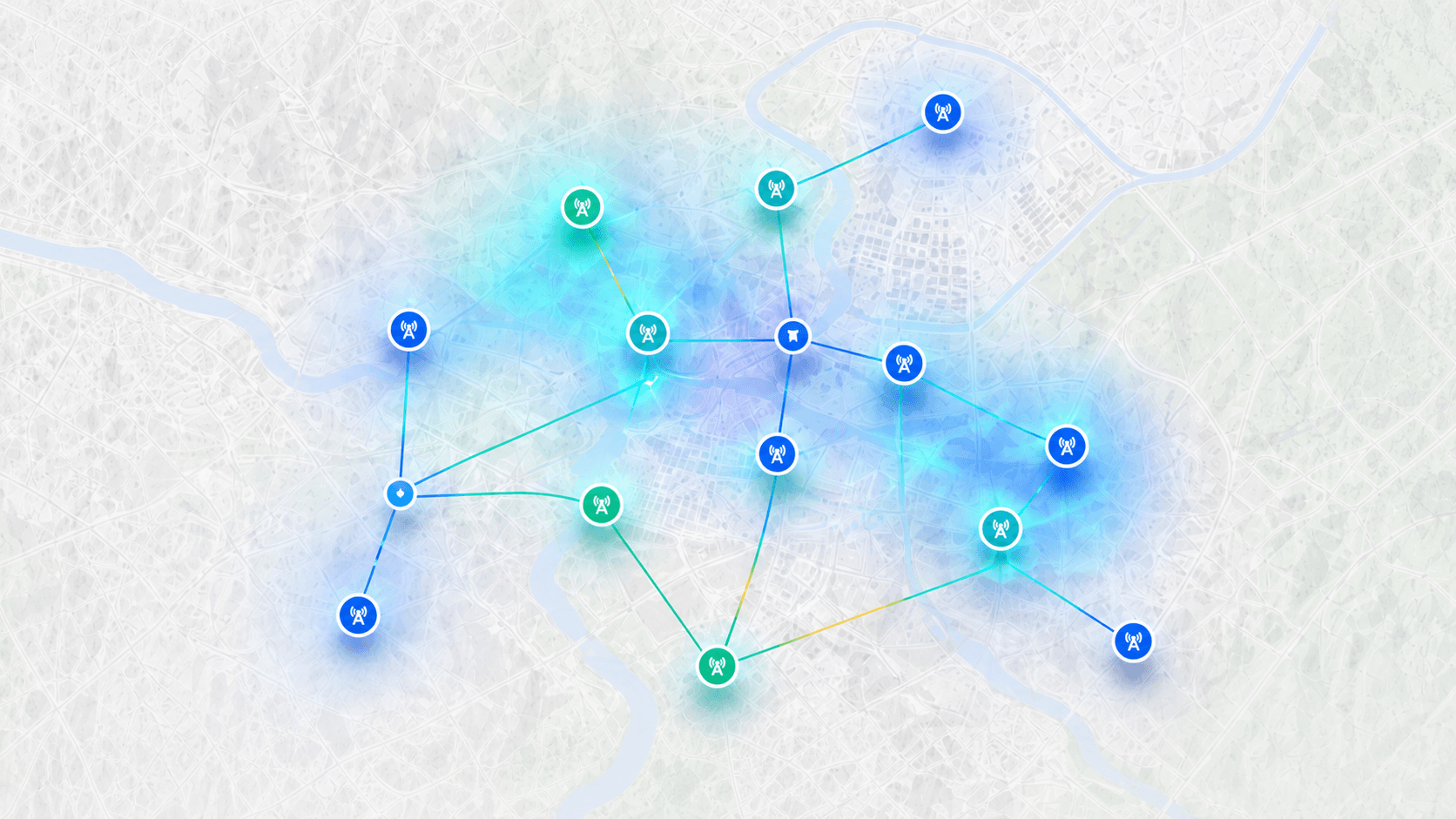
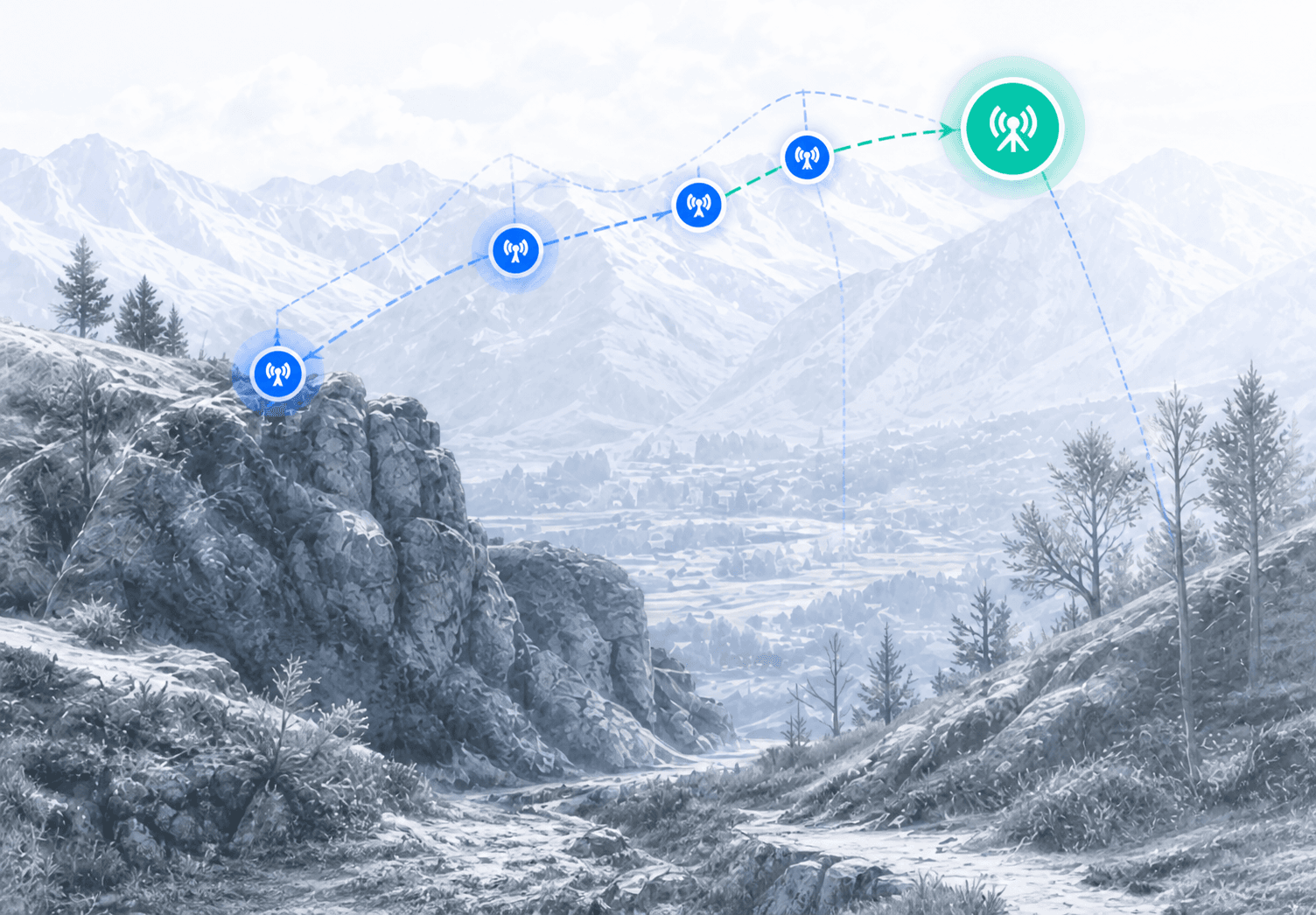
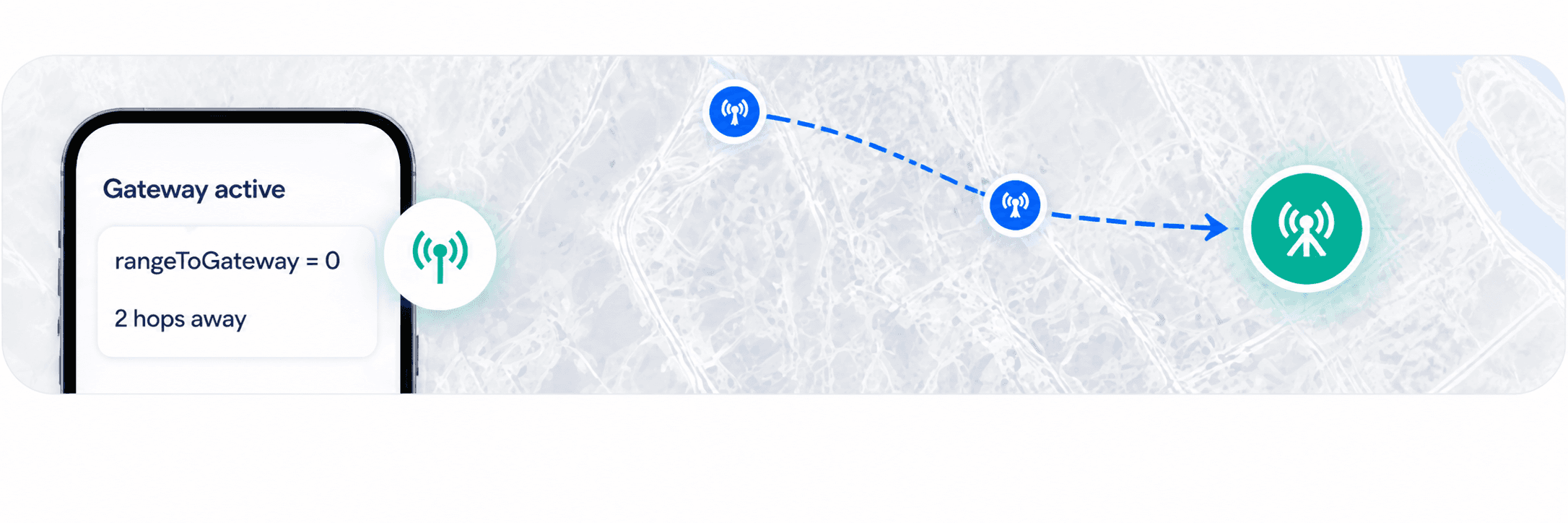
Gateway path
How messages find the nearest gateway.
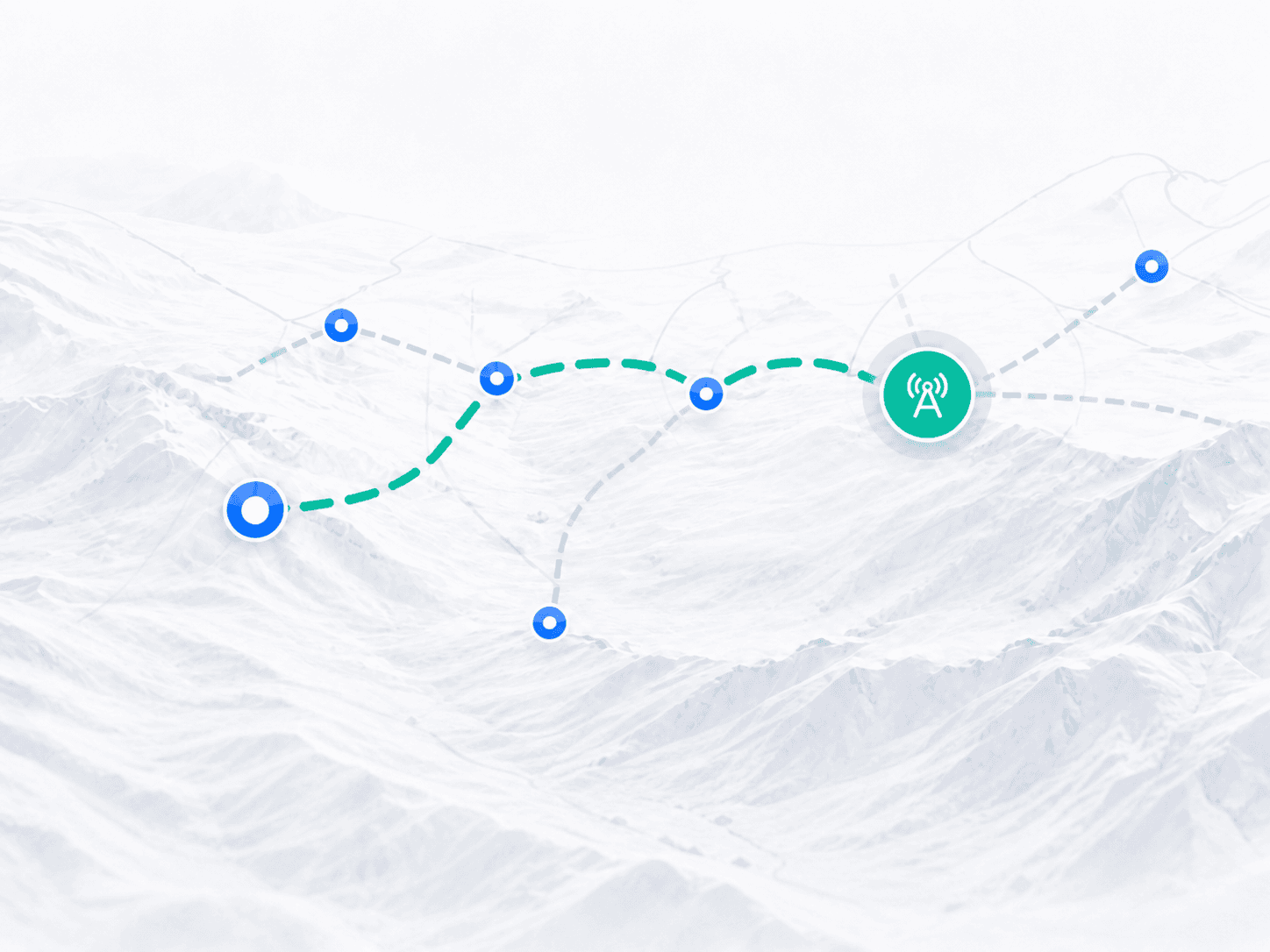
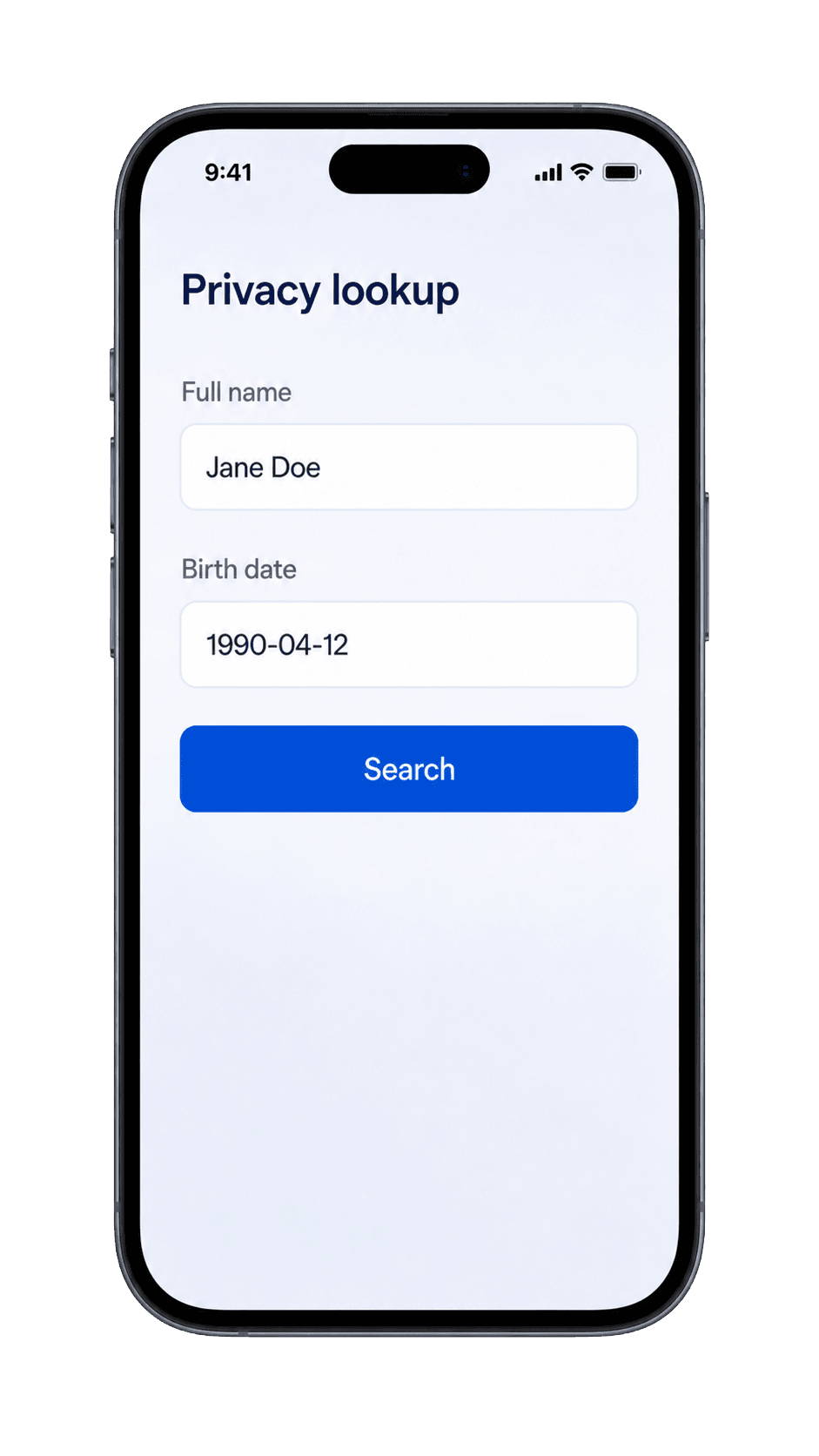
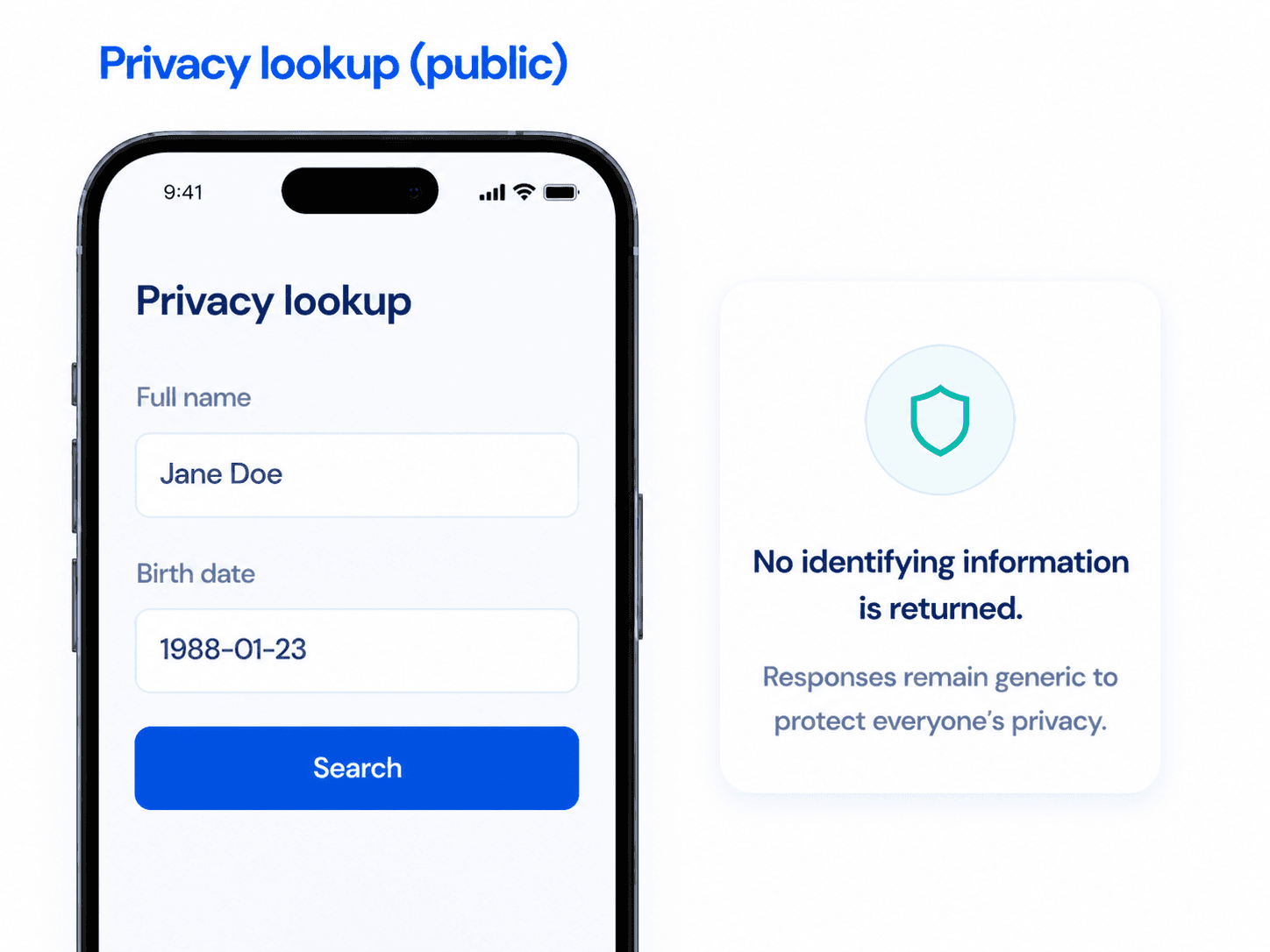
Privacy lookup
Check for messages without revealing identities.
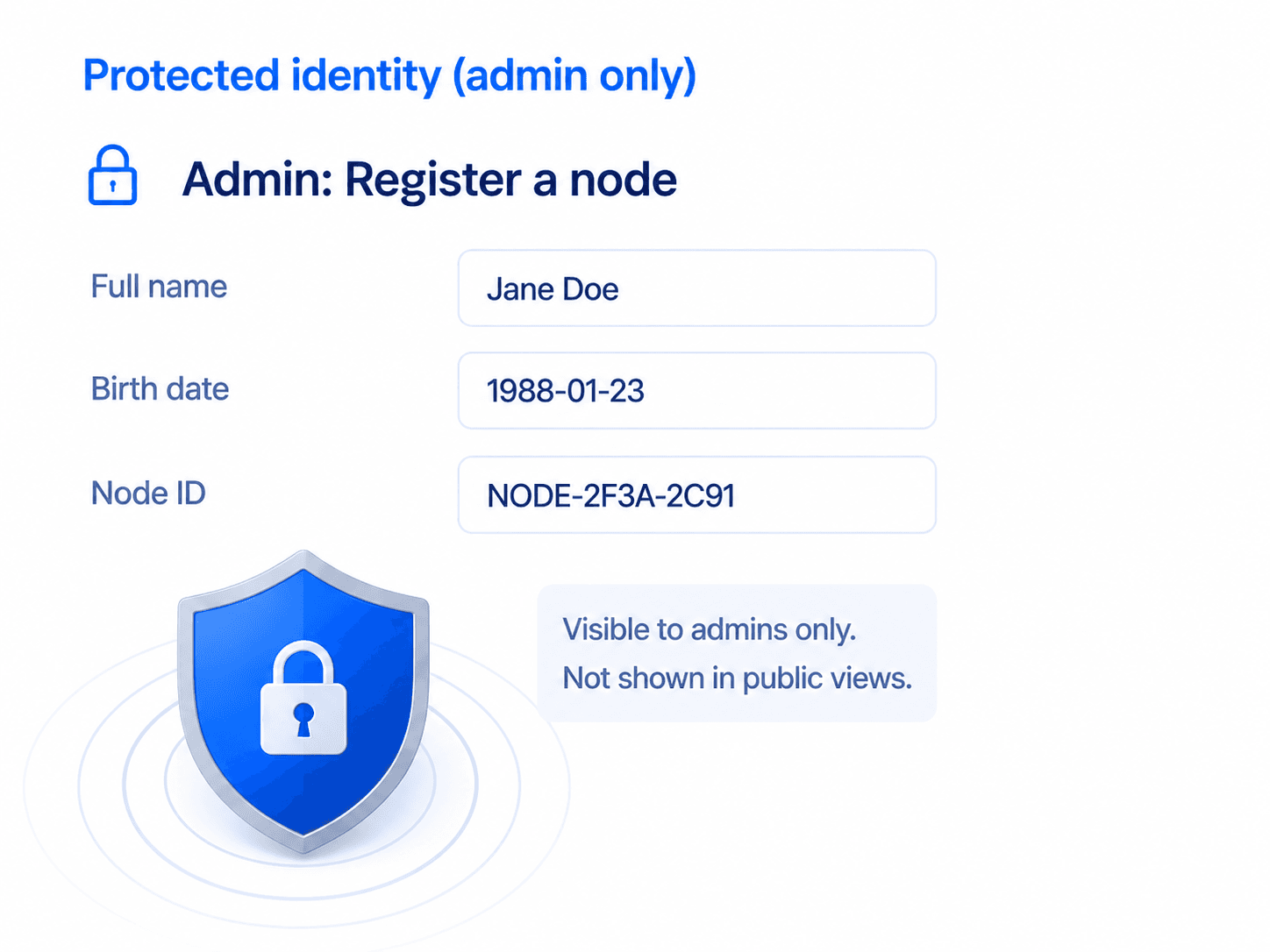
Admin: Register a node
Add a new device to the mesh network.
LOOM stores only what's necessary. Data is private and never shared.
Message stream
Canonical values, deduped by seqId.
How the mesh reaches the map
LOOM keeps messages moving when the internet is down, using nearby nodes. When a gateway comes online, everything syncs to the map.
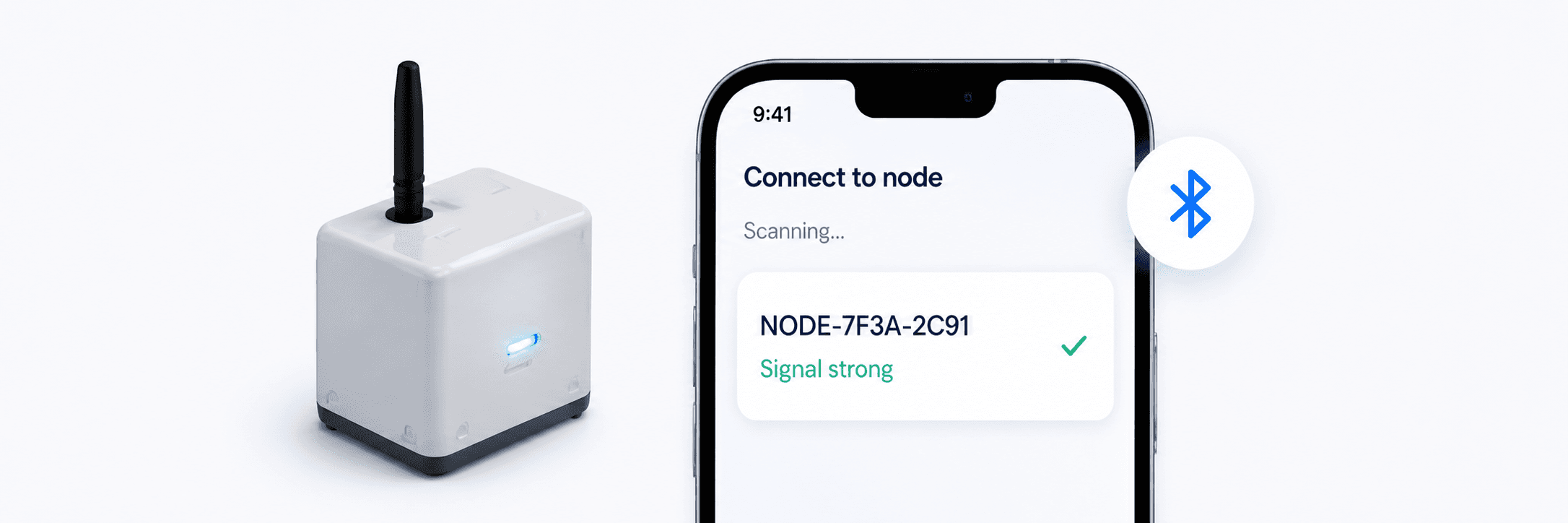
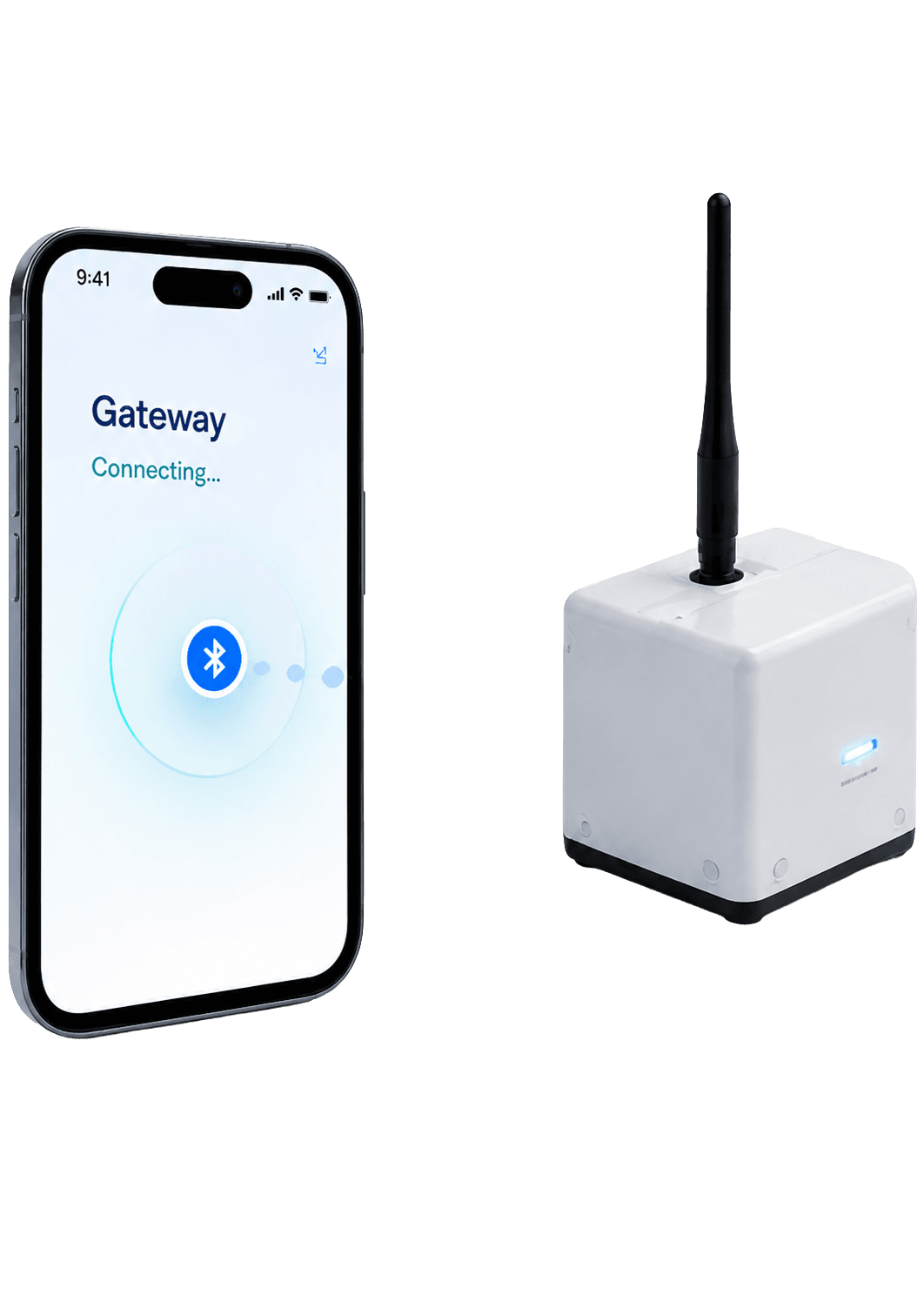
Owner validates node ID over BLE
The mobile app securely connects via Bluetooth Low Energy to verify the node's identity.
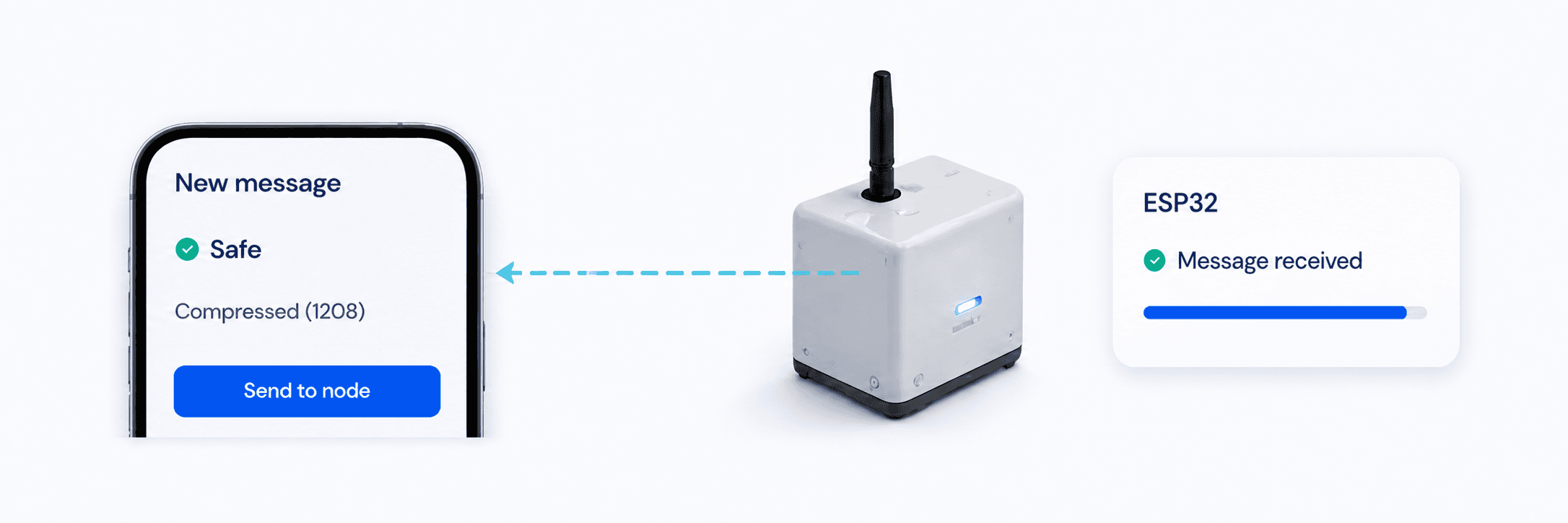
Safe status or compressed message is sent to ESP32
The app sends a signed, compressed payload to the node's ESP32 for efficient transmission.
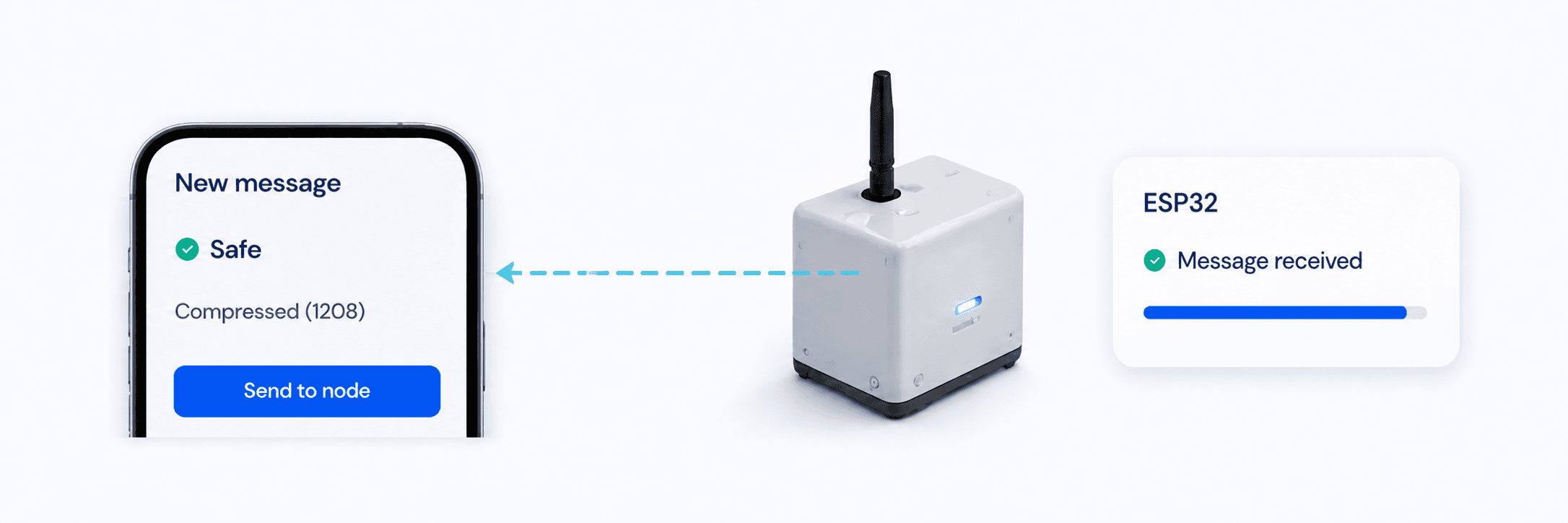
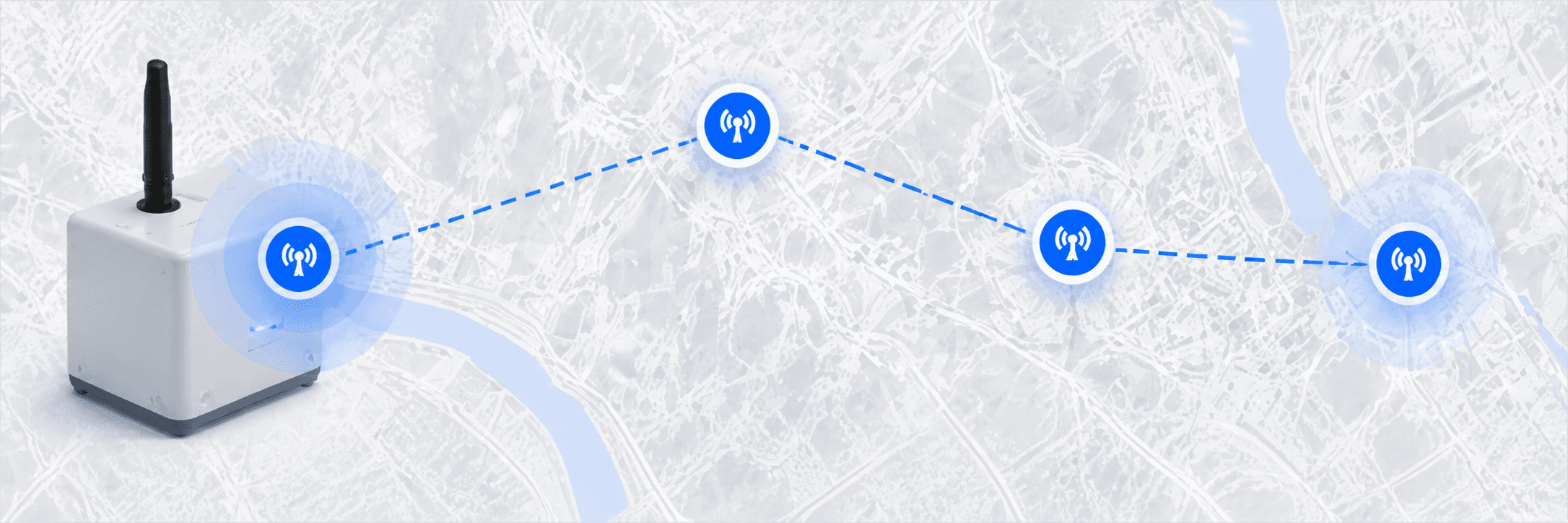
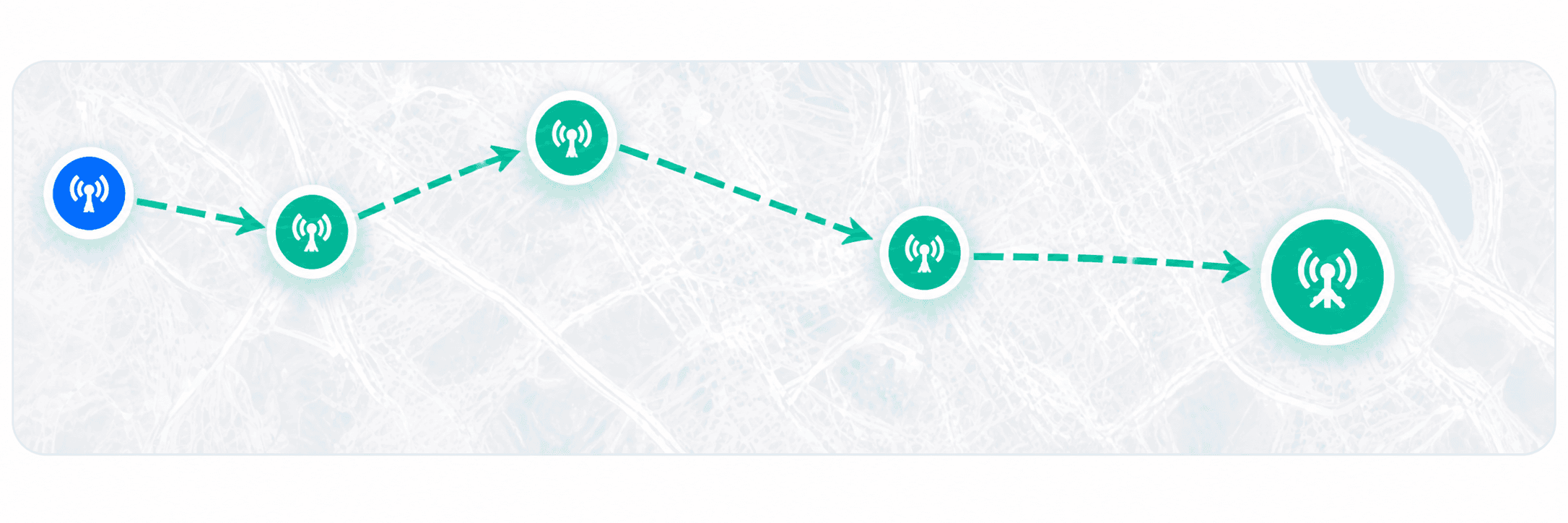
LoRa DATA broadcasts through nodes
The node transmits the data packet using LoRa, reaching nearby nodes in the mesh.
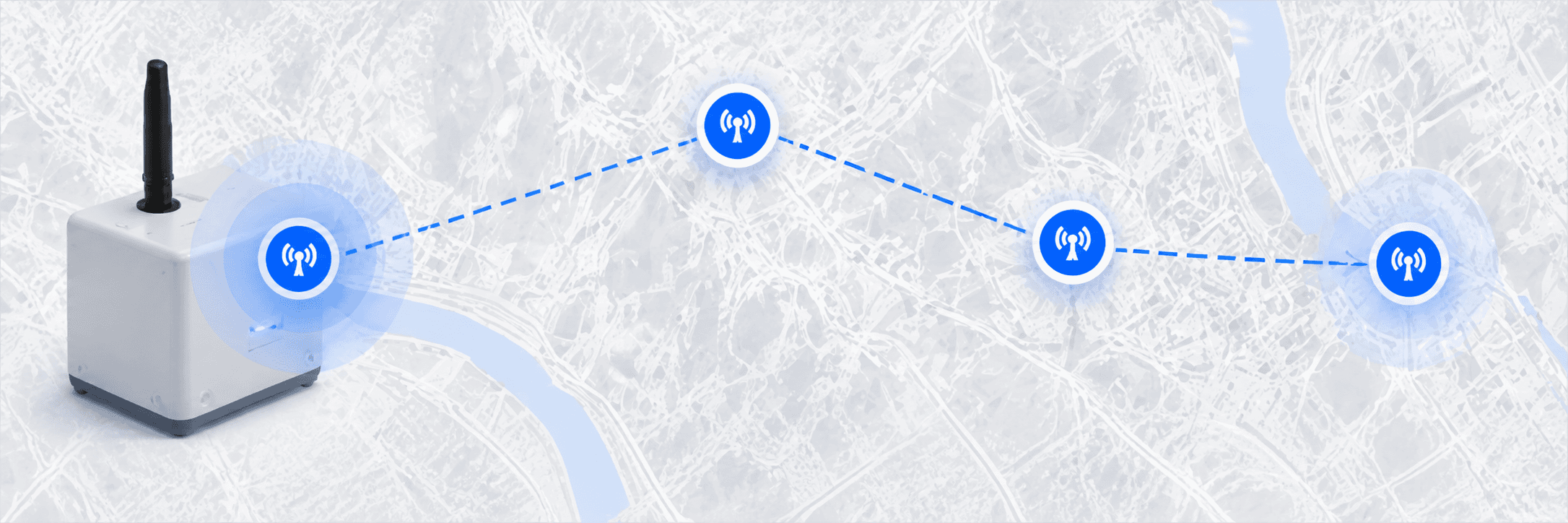
Nodes forward only when closer to gateway
Each node evaluates the path and forwards the packet only if it brings it closer to a gateway.
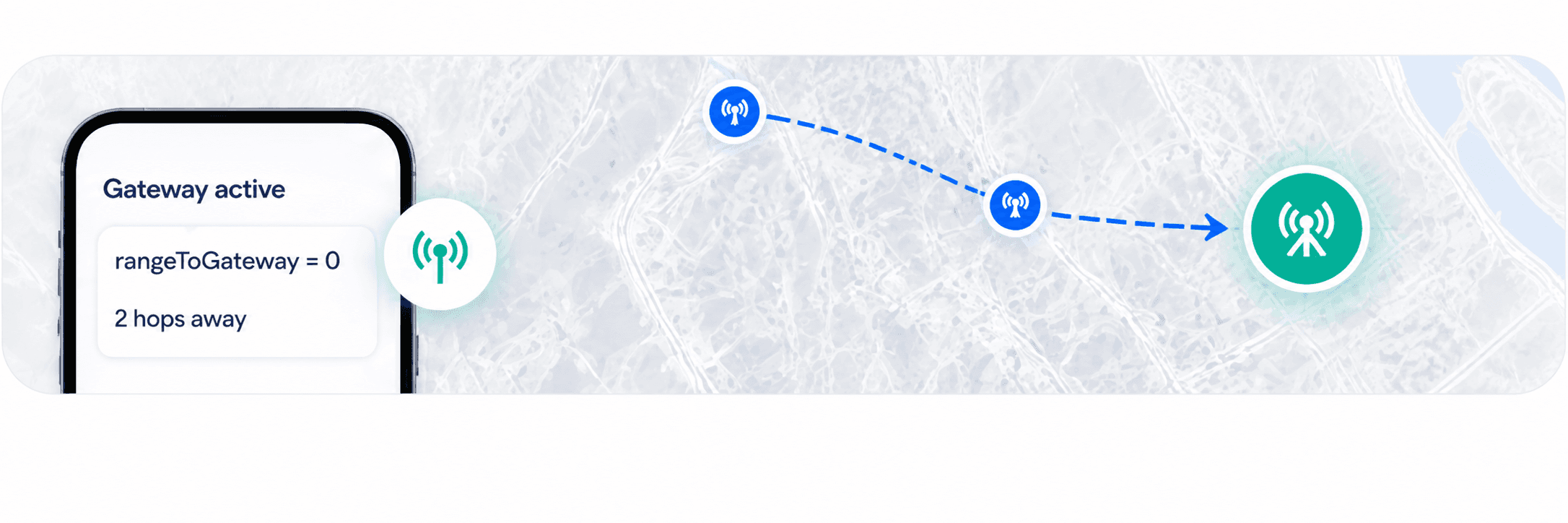
A connected phone advertises rangeToGateway = 0
When a phone has internet, it advertises itself as the gateway.
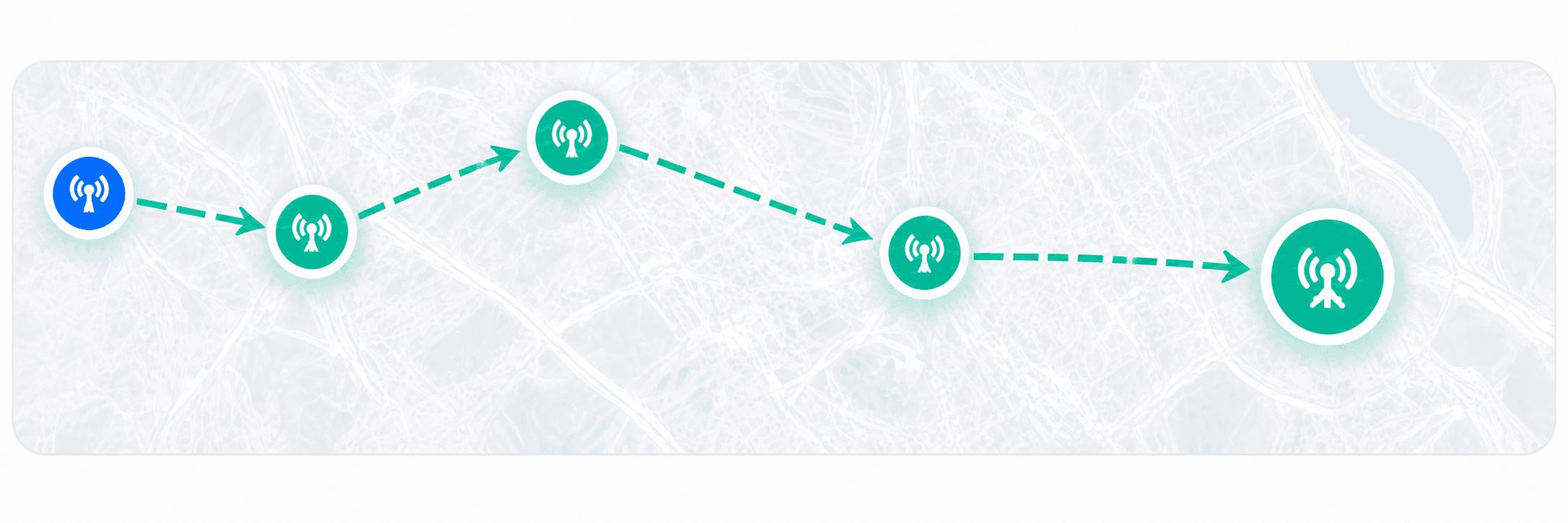
The mobile app bursts backlog to backend
The gateway phone securely uploads all queued messages to the LOOM backend.
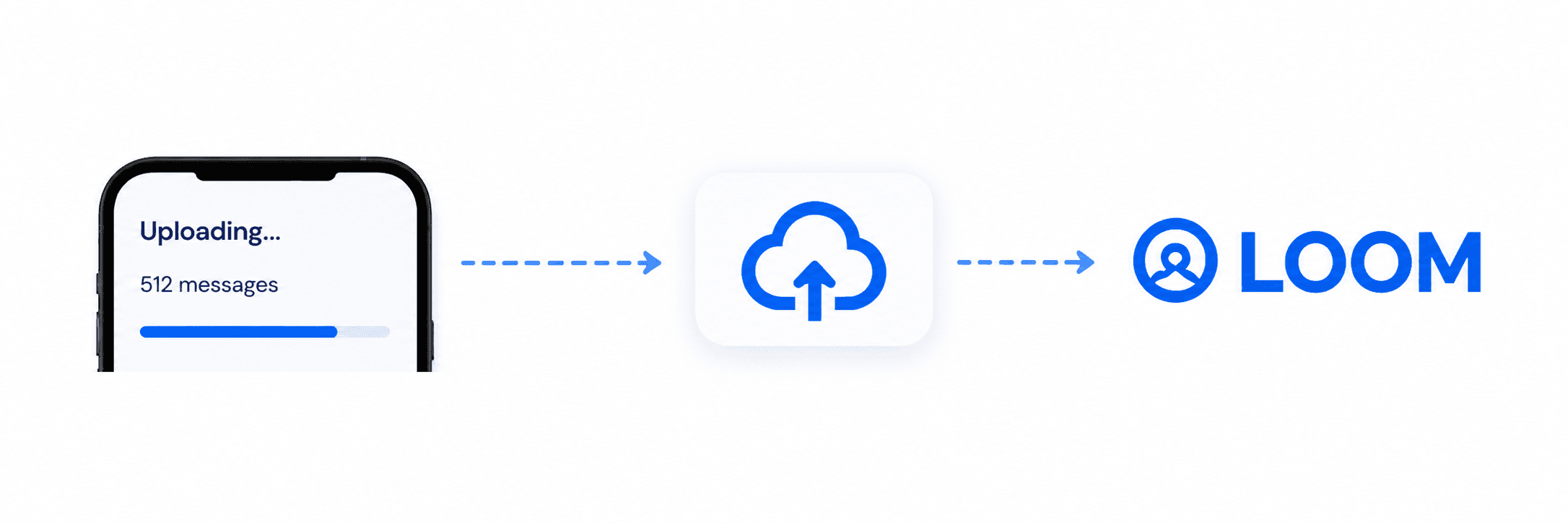
Public and admin maps update
The data is processed and instantly visible on public and admin maps and dashboards.
Public and Admin
Surface Split
LOOM provides two tailored experiences. Explore real-time network activity on the public map or sign in to manage infrastructure and messages as an administrator.
Explore the live public network.
View real-time activity, check gateway status, and look up message history without creating an account.
Operate the LOOM infrastructure.
Sign in to register nodes, view full message details, and monitor system activity.
Message lifecycle
From emergency message to visible heatmap.
LOOM ensures every message is delivered, deduplicated, and visualized, even when the internet is down.
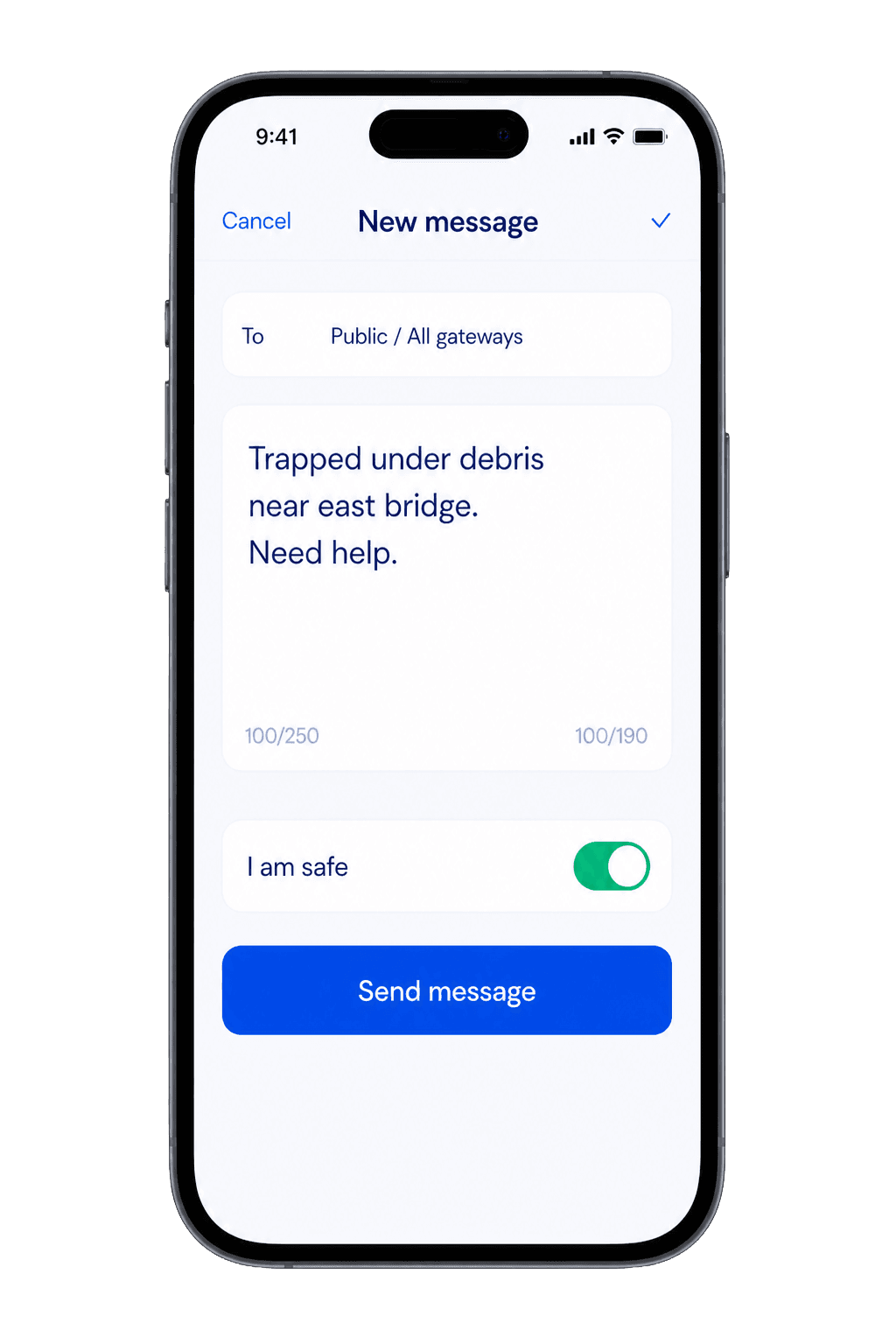
Mobile compose / Safe status
User composes an emergency message or sends a safe check-in.
 ›
›BLE handoff
Message is handed off to the nearest LOOM gateway via Bluetooth.
 ›
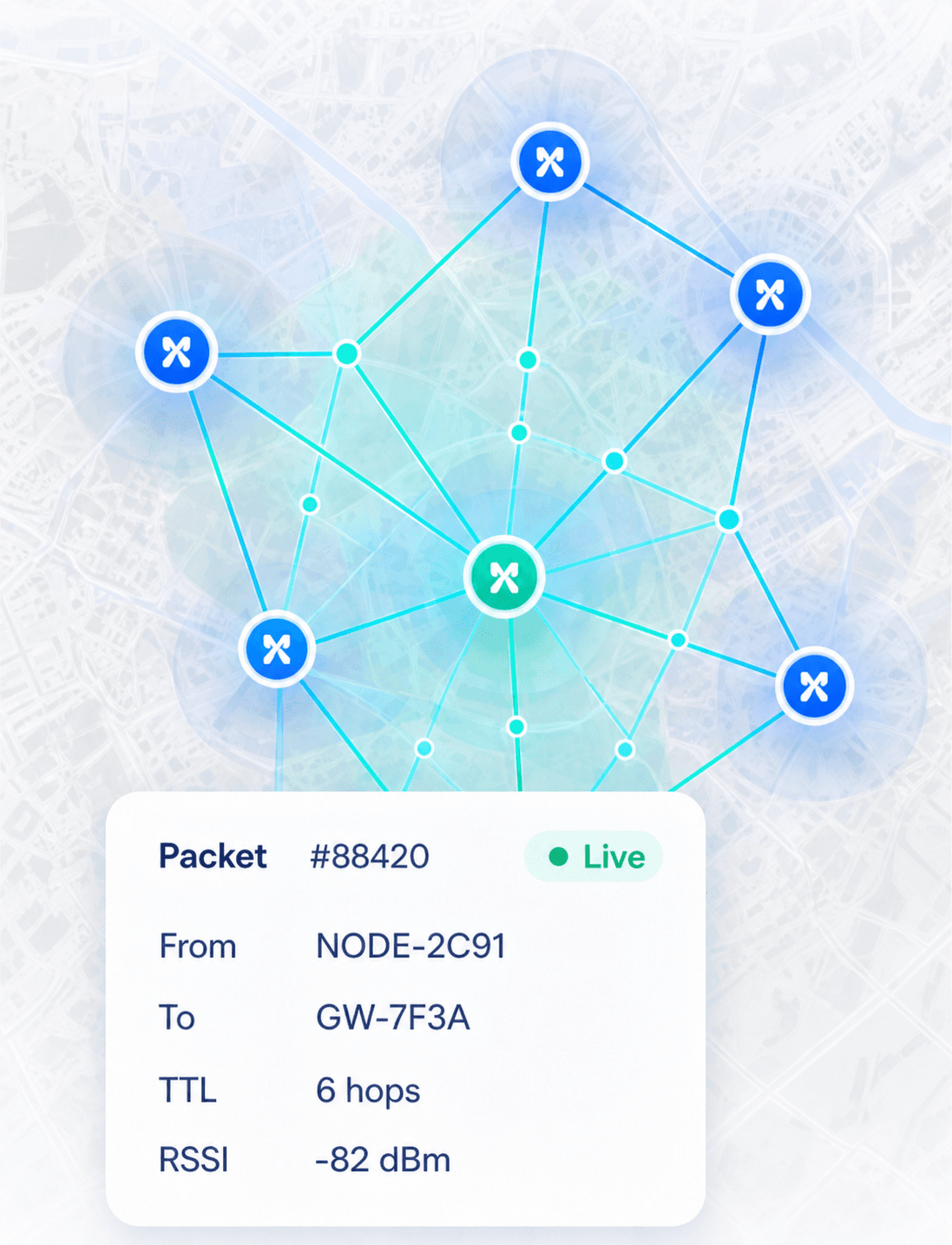
›LoRa packet + route gradient
Gateway encapsulates the message and routes it across the mesh using LoRa.
 ›
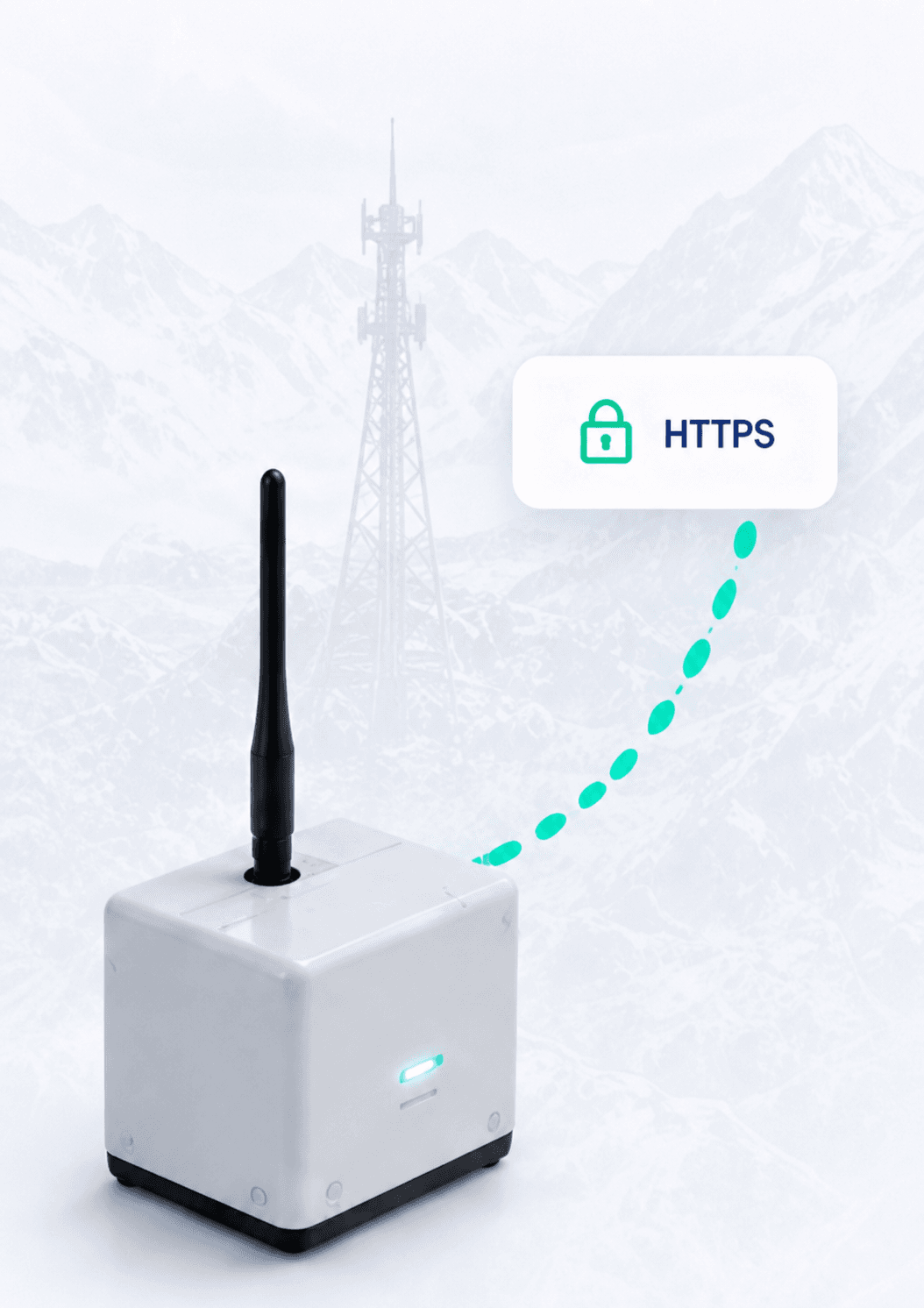
›Direct HTTPS burst
Gateway with internet uplink forwards the message securely to the LOOM backend.
 ›
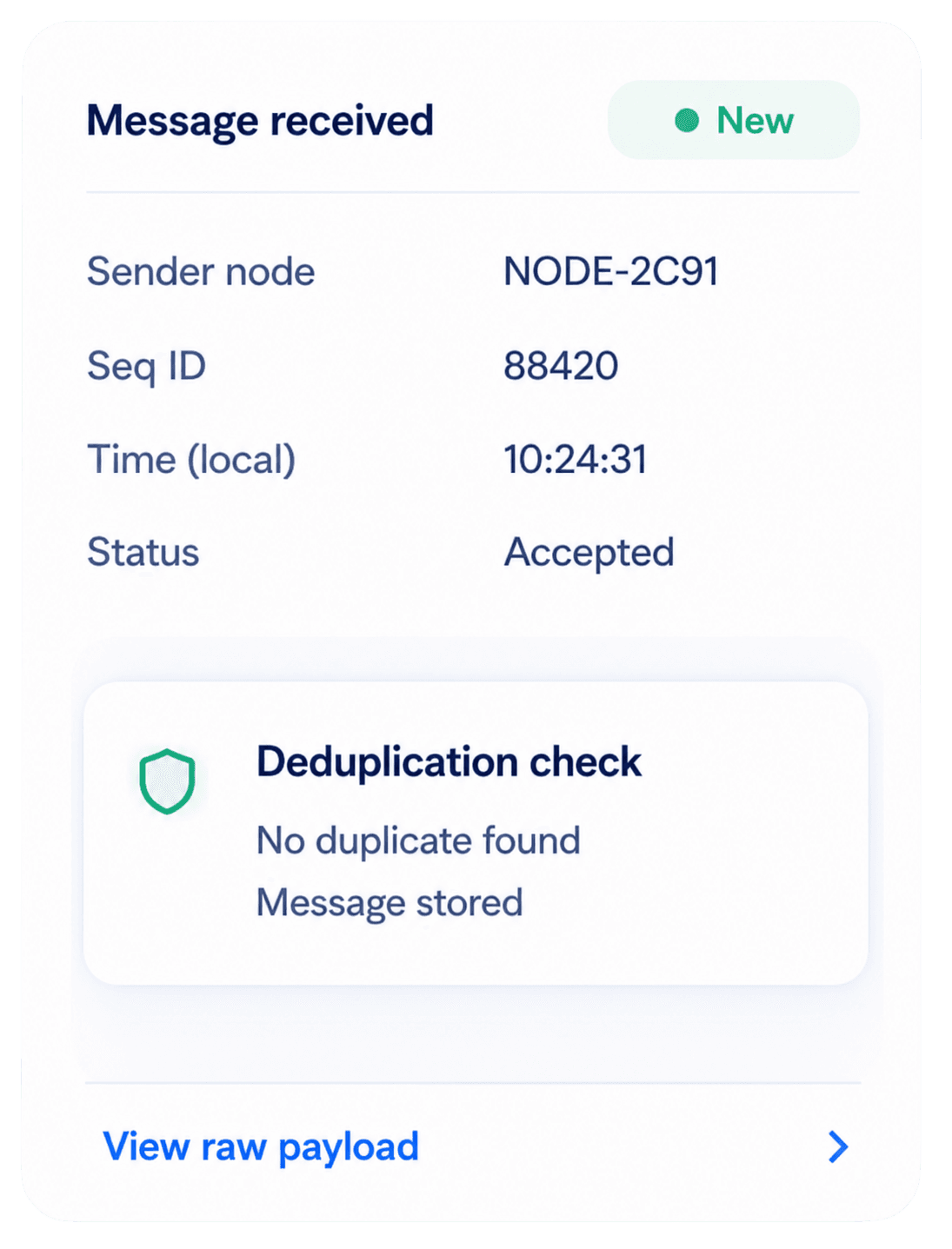
›Backend deduplication (sender node + seqId)
Backend validates and deduplicates using sender node ID and sequence ID.
 ›
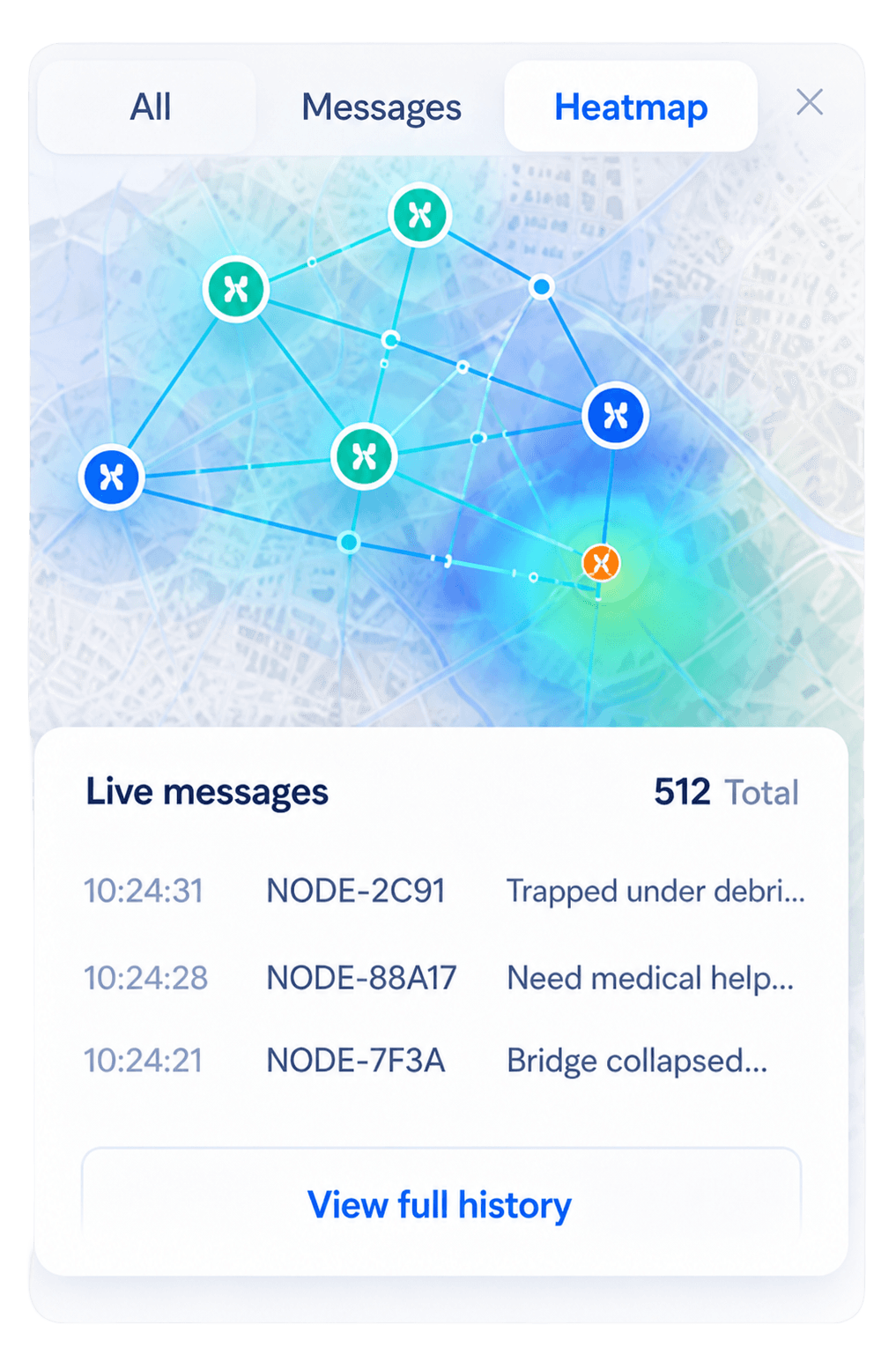
›Heatmap + history visibility
Message is visualized on the public map and available in live history.
Privacy and Trust
LOOM is designed with privacy by default. We collect only what's necessary, never display birth dates, and keep identity data protected behind admin access.
Public heatmaps don't require login
Explore real-time network activity without creating an account. Anyone can view public data.
Open by designLookup requires full name and birth date
To check for messages, users must provide both their full name and birth date.
Identity verifiedFailed lookups remain generic
If no match is found, responses are always generic, never revealing whether any data exists.
Privacy protectedIdentity fields are admin-only
Personal details are visible only to authorized admins behind secure login.
Access controlledBirth dates are never displayed
Birth dates are used only for lookup and are never shown in the web UI.
Never displayed
Open the map.
Find the signal.
Coordinate faster.
LOOM connects devices, gateways, and people when the internet is down. Access the live map, review history, and manage your network with confidence.